
Offline-first
Keep operating when the internet does not.
Every POS device stores operational data locally. Sales, carts and restaurant sessions persist across restarts and sync idempotently when connectivity returns.
Request a demo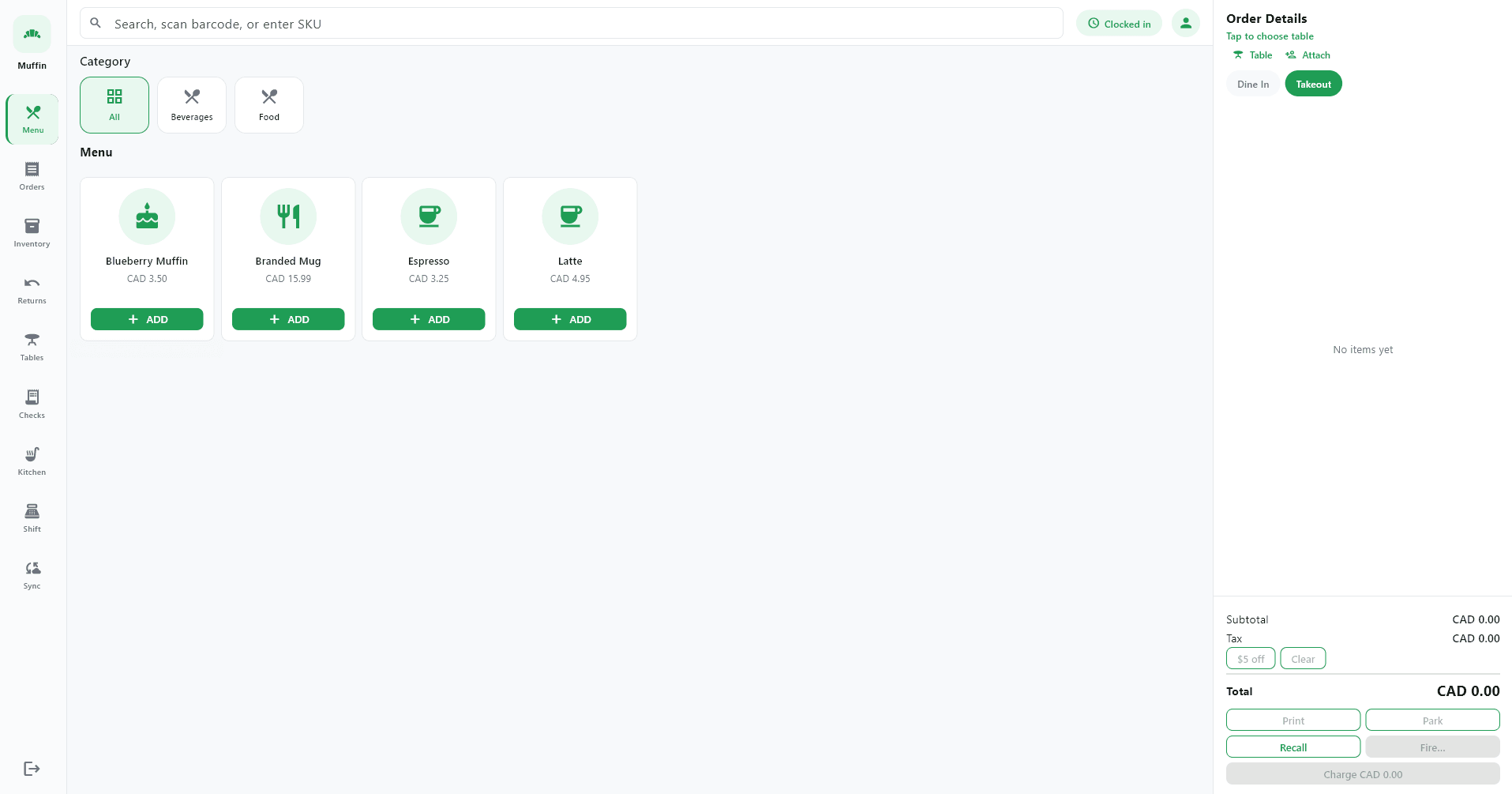
What works offline today
- Offline product browsing
- Offline carts
- Offline cash sales
- Offline dine-in orders
- Offline kitchen ticket updates
- Local receipt generation
- Automatic synchronization
- Sync-status monitoring
- Optional Store Edge Gateway for multi-device offline operation
Some external services may still require an internet connection.
Your business should not stop when the internet does.
Some external services may still require an internet connection.
- Offline product browsing
- Offline carts
- Offline cash sales
- Offline dine-in orders
- Offline kitchen ticket updates
- Local receipt generation
- Automatic synchronization
- Sync-status monitoring
- Optional Store Edge Gateway for multi-device offline operation
How sync works
POS device
Staff ring up sales on the register
Local SQLite database
Every mutation persists on disk
Continue operating
Business runs without waiting on the cloud
Internet restored
Connection returns and sync resumes
Secure cloud synchronization
Outbox events push idempotently to the cloud
Designed for financial integrity
Finalized sales, refunds and inventory movements are append-only. Sync uses explicit conflict rules instead of silent last-write-wins for financial data. Staff can monitor pending outbox events and last sync time from the POS sync screen.
An optional Store Edge Gateway relays ticket updates and catalogue changes across devices on your LAN during WAN outages—keeping kitchen displays and registers coordinated.
See offline workflows in your environment
We will walk through sync monitoring, receipt printing and restaurant table sessions.