
Keep selling offline
Continue recording orders and sales during internet interruptions. Data synchronizes when the connection returns.
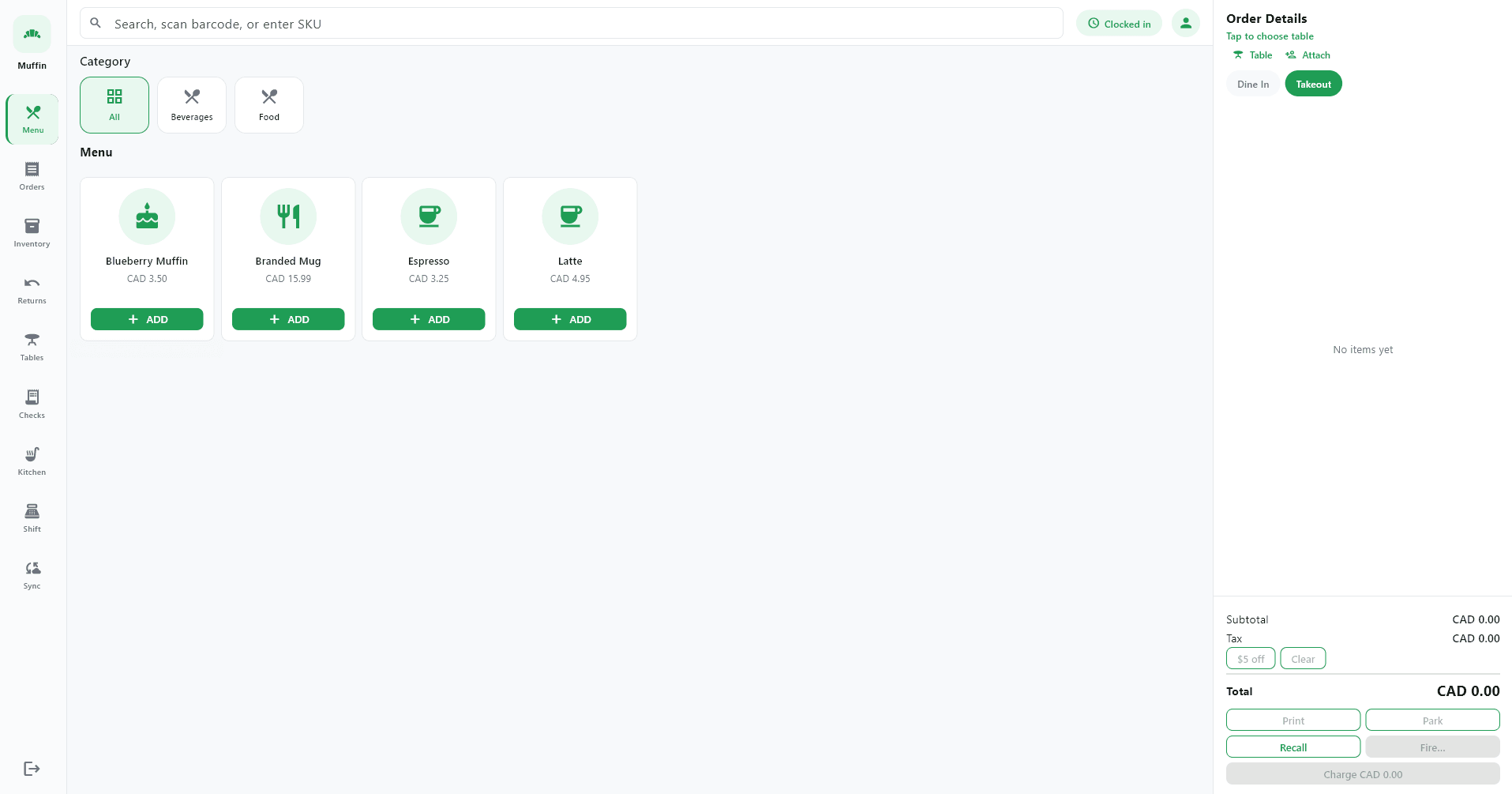
One platform for restaurant, retail, pharmacy, service and online commerce.
Learn moreRun your restaurant, retail store, salon, pharmacy, service business and online storefront from one flexible platform—built to keep working even when the internet does not.
Industries
Select your business type to see relevant capabilities and workflows.
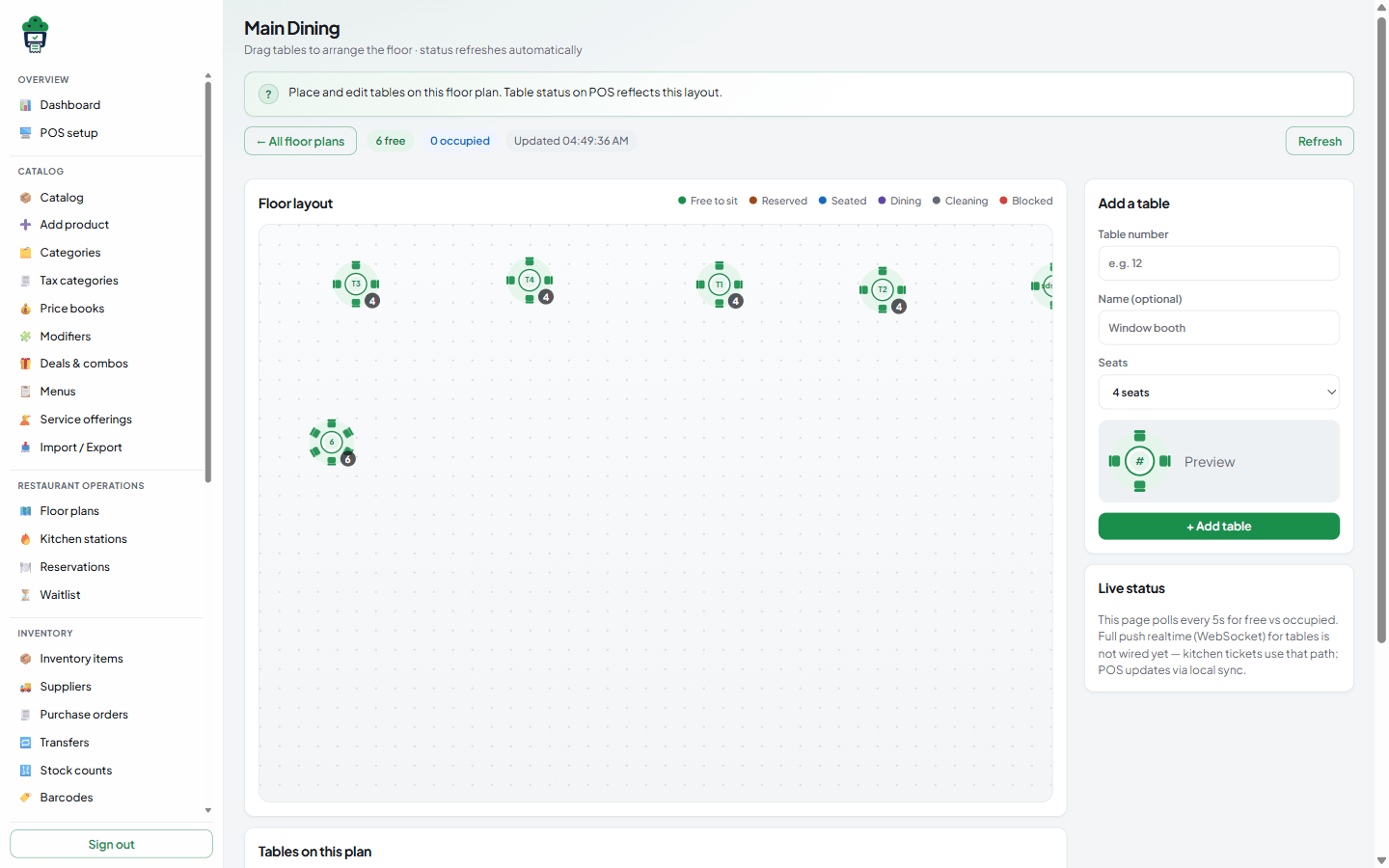
Run dine-in, takeout and delivery with floor plans, kitchen routing and online ordering.
One platform for counter sales, table service, appointments, inventory and online commerce—without stitching together separate tools.
Continue recording orders and sales during internet interruptions. Data synchronizes when the connection returns.
Control products, menus, staff, inventory, locations and reports from one cloud-based management portal.
Serve customers at the counter, at tables, through appointments and from your own online storefront.
Enable additional modules, devices and locations as your business expands.
Platform capabilities
From inclusive tax math and waste logging to tips, serials and audit trails, MuffinPOS ships the operational depth international merchants expect.
Exclusive, inclusive and compound rates with per-line tax and printable breakdowns.
ExploreWaste logging, freeze-and-approve counts, serial tracking and low-stock alerts.
ExploreLine and order discounts, coupons, BOGO, tips, service charge and cash rounding.
ExploreLocal SQLite, outbox sync and explicit conflict rules so sales never wait on Wi‑Fi.
ExploreTax collected by rate, stock valuation, waste and movement history—export ready.
ExplorePortal audit log plus multi-language POS and receipts for global teams.
ExploreSome external services may still require an internet connection.
How sync works
POS device
Staff ring up sales on the register
Local SQLite database
Every mutation persists on disk
Continue operating
Business runs without waiting on the cloud
Internet restored
Connection returns and sync resumes
Secure cloud synchronization
Outbox events push idempotently to the cloud
Restaurant
Floor plans, table sessions, kitchen routing and online ordering share one product catalogue and reporting layer.
Retail
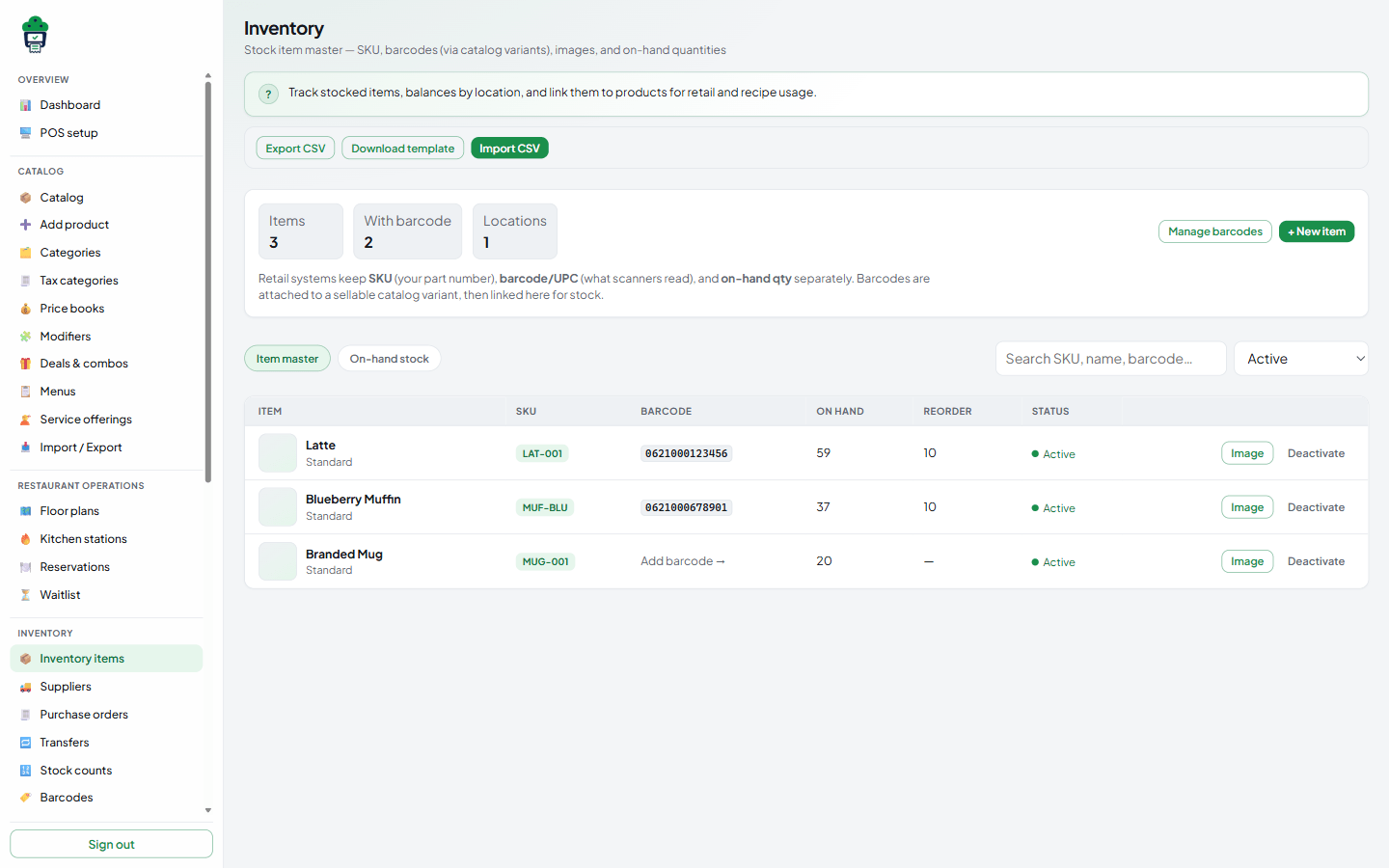
SKUs, barcodes, purchasing and returns stay tied to the same inventory ledger your online storefront uses.
Pharmacy
Medicine master data, FEFO batch stock, purchase receiving and prescription dispense — with offline-ready POS selling for pharmacy tenants.
Jurisdiction adapters (tax QR, wallet collect, recall feeds) ship as stubs until certified. Enable pharmacy modules for PHARMACY tenants.
Explore Pharmacy SolutionsSalons and services
Appointment scheduling, service packages and retail product sales run from one customer record.
Online service booking and staff availability scheduling are planned. Appointments are fully manageable from the merchant portal today.
Explore Services and Salons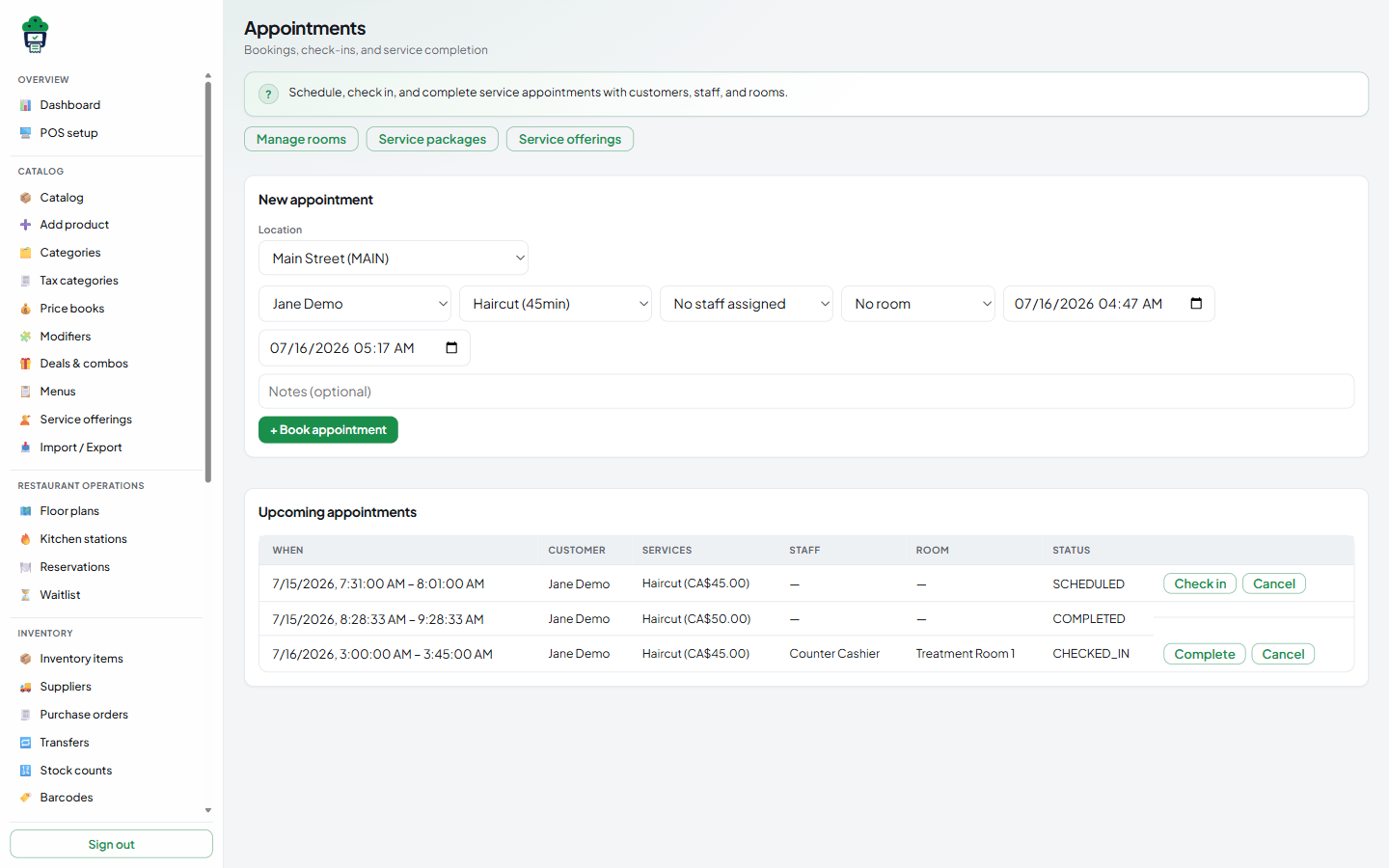
Online storefront
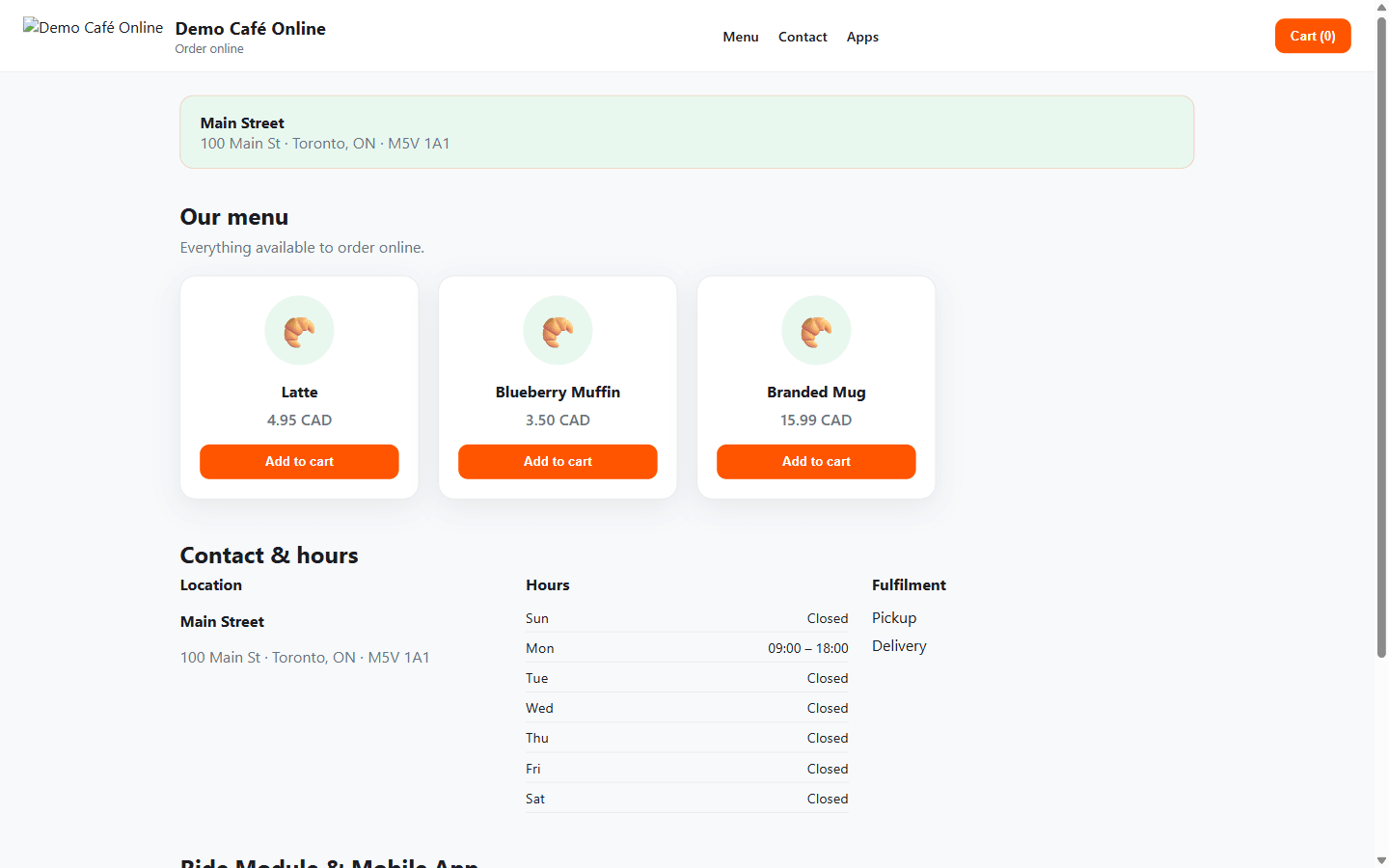
Launch on a platform subdomain or connect a verified custom domain. Restaurant menus, retail collections and service listings publish from the same catalogue.
Configurable options
Example URLs
Inventory
Track stock balances, purchasing, transfers, waste and serials with an append-only movement ledger. Recipe depletion, freeze-and-approve counts and low-stock alerts are available today.
Multi-location
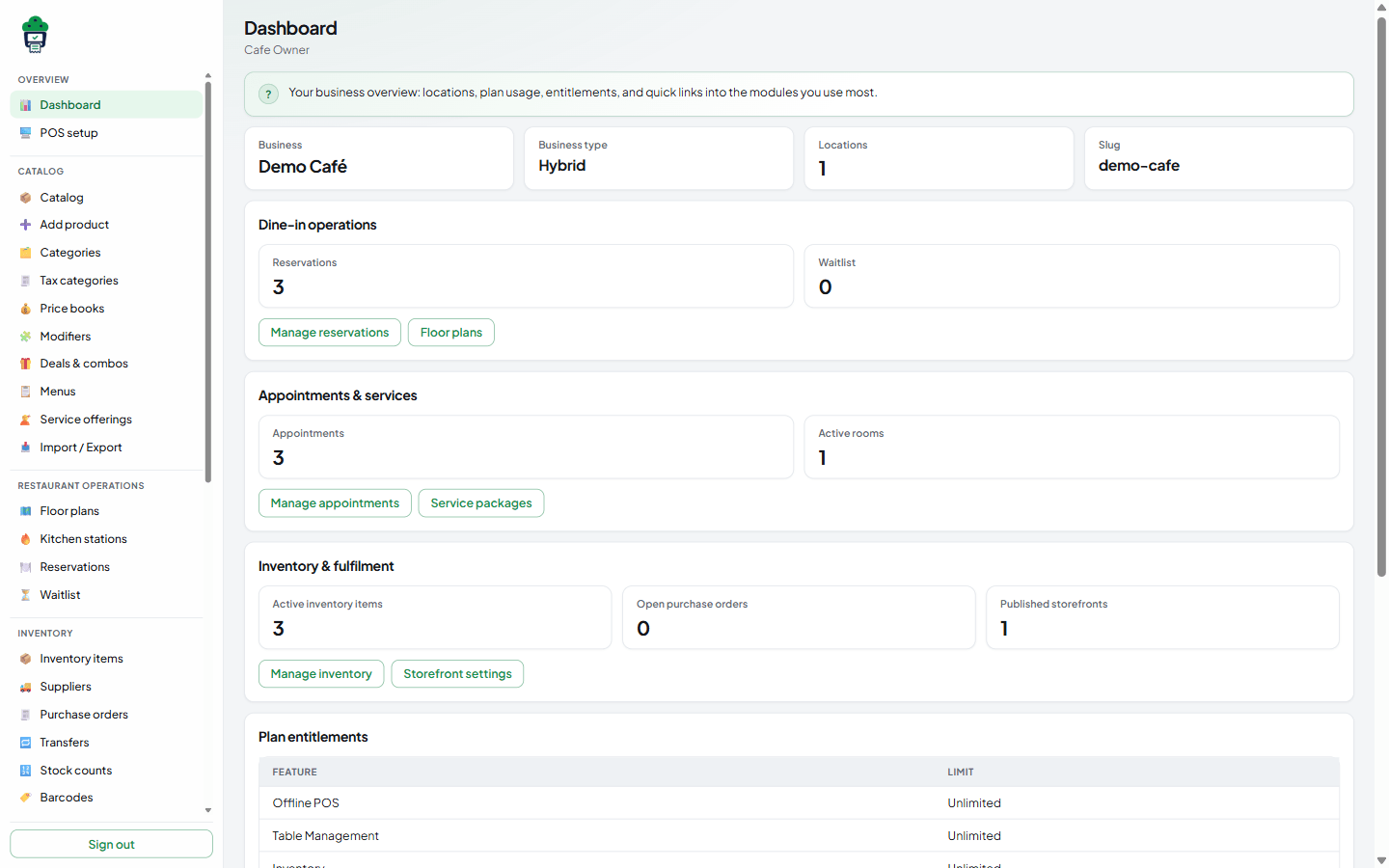
Central catalogue, per-location menus and pricing, employee scoping and consolidated reporting for owners.
Back office
Staff, customers, loyalty, devices, domains and subscriptions are managed from the merchant portal alongside operational reports.
Invite employees, assign roles and manage PIN access across locations.
Maintain profiles, visit history and marketing consent in one place.
Earn and redeem loyalty points with configurable promotions and coupons.
Review sales, register and inventory reports with CSV export.
Register POS and KDS devices and revoke access when hardware changes hands.
Review financial and inventory audit events in the merchant portal audit log.
Launch on a platform subdomain or connect a verified custom domain.
Plans, entitlements and usage are managed through your account settings.
Hardware
Use commonly available terminals, tablets, scanners and printers rather than proprietary locked hardware.
Desktop POS on Windows PCs and all-in-one terminals.
Portable registers and line-busting on Android devices.
Counter and mobile POS on iPad hardware.
USB and Bluetooth scanners for retail checkout.
ESC/POS thermal printers for customer and kitchen receipts.
Kick cash drawers connected through receipt printers.
Dedicated screens or tablets running the kitchen display view.
Show order totals and prompts to customers at checkout.
Print product and shelf labels for retail operations.
Hardware compatibility depends on the operating system, connection method and tested device integration.
Now shipping
Available now — track deliveries live and order from the customer app.
Live delivery tracking and rider assignment for online orders.
Customer app for browsing the menu, checkout, tracking, and loyalty.
Pricing
Starter covers core POS essentials. Pro plans add vertical modules. Enterprise extends multi-location and advanced permissions.
Contact sales
Core offline POS and back-office essentials for single-location businesses getting started.
Contact sales
Full dine-in toolkit with floor plans, kitchen operations and restaurant reporting.
Contact sales
Advanced inventory, purchasing and e-commerce for product-focused businesses.
Contact sales
Appointment scheduling, service packages and integrated product sales for service businesses.
Custom
Multi-location operations with advanced permissions, custom domains and priority support.
Getting started
From account creation through storefront launch, onboarding follows a clear sequence you can complete at your own pace.
Step 1
Sign up and set your business type, currency and primary location.
Step 2
Configure your team, catalogue and any additional locations.
Step 3
Enable restaurant, retail, pharmacy, services or storefront capabilities for your model.
Step 4
Register devices, assign PINs and verify offline sync is working.
Step 5
Brand your storefront, set hours and publish your catalogue online.
Step 6
Start selling across channels and monitor performance from the merchant portal.
Straight answers about offline operation, business types, domains and hardware.
See how MuffinPOS can support your operation today and grow with you over time.